Enter your teacher's access code below to see available practice lists — no sign-in required for students.
Create lists, assign to classes, and monitor progress.

Students enter their teacher's access code to see available lists and start practicing.
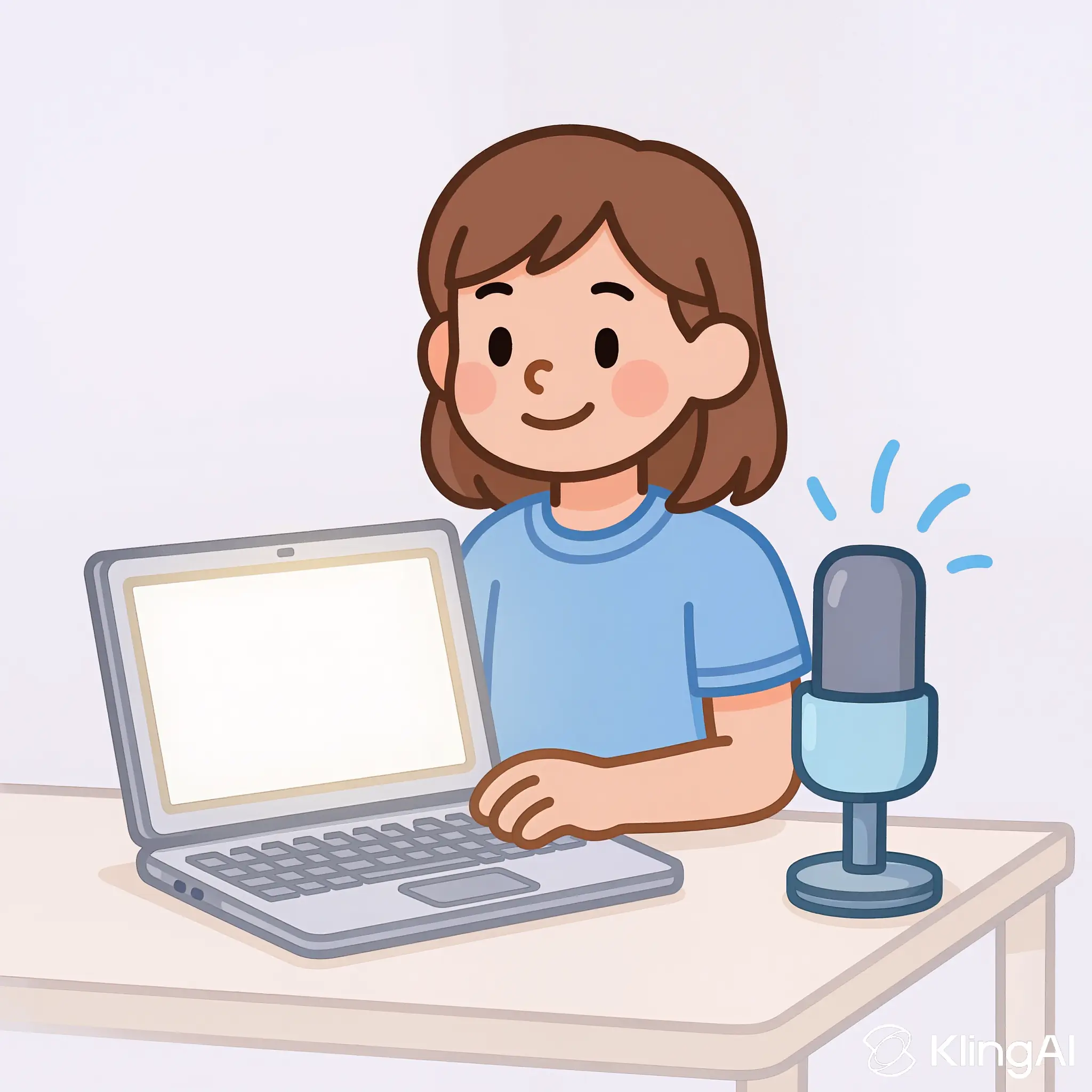
After selecting a spelling list, students practice by typing their words or speaking them, receiving instant feedback on their progress.

With a free account, teachers can set up spelling lists and share an access code with students and parents so they can start practicing instantly.
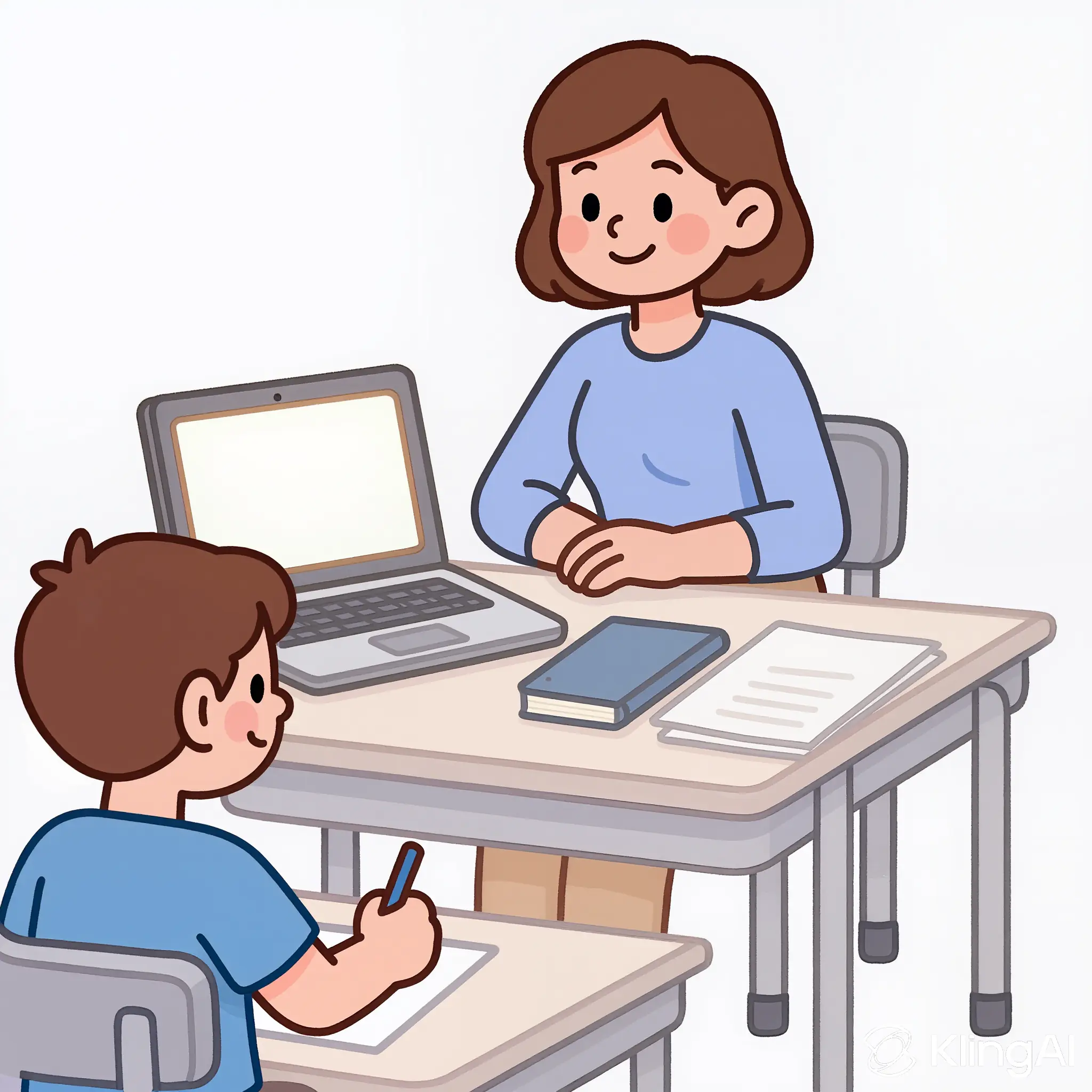
Pro accounts will enable teacher-recorded words, score sharing, and up to 50 lists — stay tuned!
See what your students will see with our demo spelling list.
Try a Demo Test
With your access code, students can start practicing immediately. They will hear their words and can either type or speak their answers.

Your free account will always include 5 practice lists and unlimited student usage!

We never store student personal data by default. If a teacher opts into score sharing, the teacher — not SpellRight — controls that data and how it's shared with students and families.

Focused practice without third‑party ads, pop‑ups, or tracking — just clean, distraction‑free learning for students and teachers.
